Advanced: the signed bridge
Most people do not need this. A normal embed already refuses every website that is not on your list, and the key it carries is public by design. The signed bridge is for setups with a stricter requirement.
What it adds
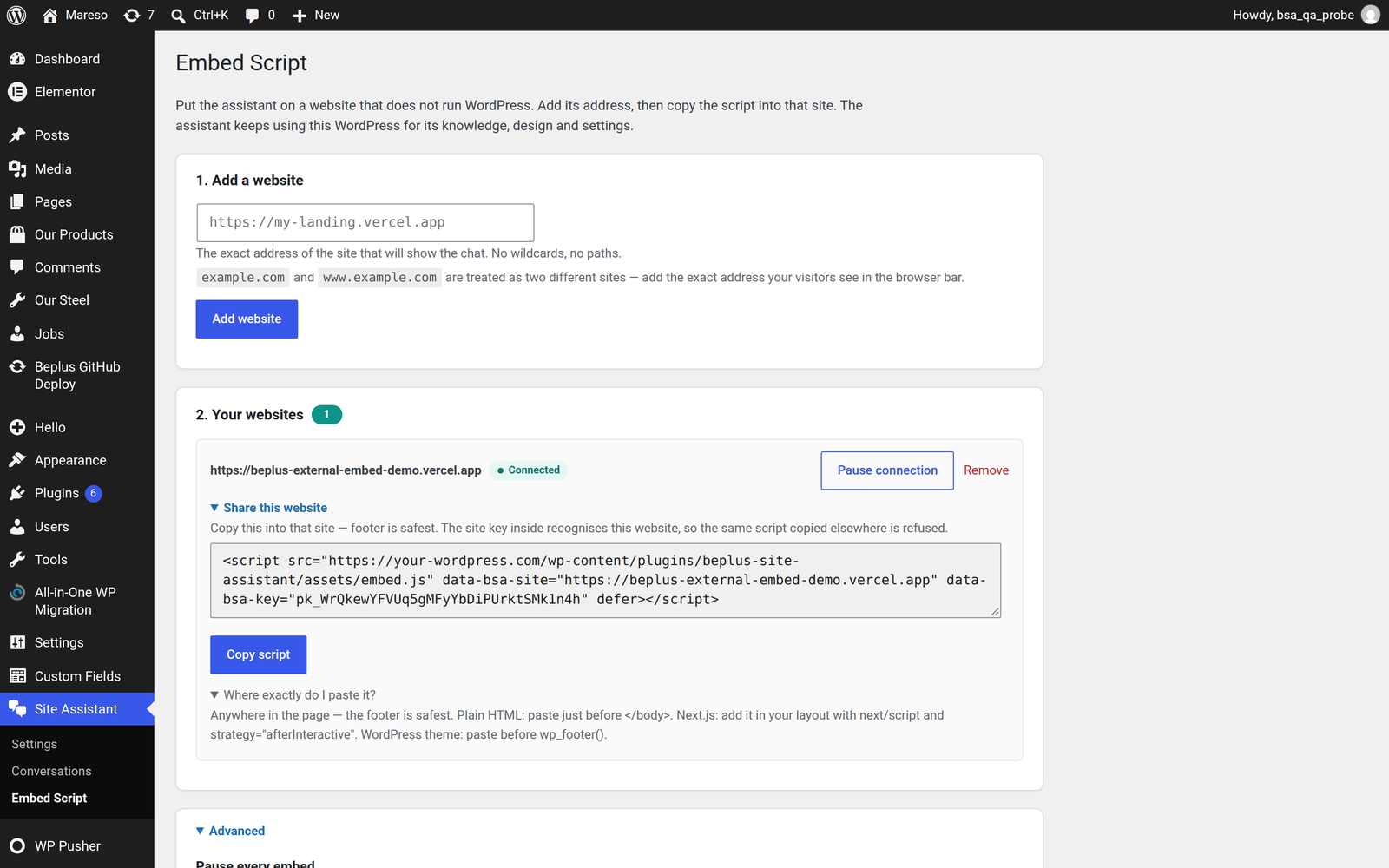
In the normal setup, the browser on the other website talks to your WordPress directly, carrying a public site key.
With the bridge, requests go through a server that you control, which signs each one with a shared secret. The browser never sees that secret, so a visitor cannot forge a request — not even by reading your page source.
| Direct embed | Signed bridge | |
|---|---|---|
| Setup | Add address, paste script | Add address, write and host a signing proxy |
| Carries | Public site key | Signature made with a secret |
| Browser sees the secret | N/A | Never |
| Signature lifetime | N/A | 60 seconds |
| Replay protection | N/A | Yes — each signed request works once |
| Visitor IP | Read by WordPress from the connection | Passed inside the signed request |
| Best for | Nearly every site | High-value sites, strict compliance requirements |
When it is worth the effort
- You want proof that requests came through your own infrastructure, not from a browser at all
- You need the visitor's IP to be vouched for by your server rather than read from the connection
- You are embedding into an environment where you do not fully trust the page the script sits on
When it is not
- You just want the assistant on a landing page. Use the direct embed. It already refuses unlisted sites.
- You want the simplest thing that works. The bridge adds a service you have to run, monitor and keep in sync with your secret.
How a signed request is put together
The proxy builds a string from these parts, in this order, separated by newlines:
bsa-embed-v1
mode            (config or chat)
timestamp       (unix seconds)
nonce           (random, 20–128 characters)
origin          (the website's address, e.g. https://example.com)
client_ip       (the real visitor's IP)
sha256(body)    (hash of the request body)
It signs that string with the shared secret using HMAC-SHA256, and sends the
result in the X-Bsa-Signature header, along with X-Bsa-Timestamp,
X-Bsa-Nonce and X-Bsa-Client-Ip.
The rules your proxy must follow
Each one of these is enforced, and each one is a separate refusal if broken:
| Rule | Why | If broken |
|---|---|---|
| Timestamp within 60 seconds of WordPress's clock | Limits how long a captured request is useful | 403 |
| A new random nonce every request | Makes each request usable only once | A repeat is refused with 409 |
Nonce 20–128 characters, letters/digits/-/_ | Keeps the format predictable | 403 |
| Signature exactly 64 lowercase hex characters | It is a SHA-256 HMAC | 403 |
A valid client_ip | It cannot be spoofed through the browser | 403 |
| The secret must exist on WordPress | Otherwise there is nothing to check against | 503 |
⚠️ Check your server's clock. A machine whose time has drifted will produce signatures that are always "expired", and the only symptom is a
403. Enable NTP on any server that signs.
⚠️ The secret is not the site key. The public
pk_…key in the script tag and the bridge secret are different things. The site key is safe to expose; the bridge secret never is. Do not put the secret in the page, and do not put it in a browser-visible variable.
Passing the visitor's real IP
Normally WordPress reads the visitor's IP from the network connection. Through a bridge, every request arrives from your proxy's address, so the real visitor IP would be lost — and with it, rate limiting and IP bans.
That is why the signed string includes client_ip: your proxy states it, and
because the statement is covered by the signature, WordPress can trust it. Rate
limits are then applied per real visitor, exactly as they are on your own site.
This is also why the IP cannot be spoofed by a browser on a direct embed: without a signature, WordPress ignores any IP a browser claims and uses the connection's own address.
Starting over
If the secret is ever exposed, press Generate a new secret on the Embed Script screen. The old secret stops working immediately, which is exactly what you want — update the proxy and deploy, and it is back in service.
Direct embeds are unaffected and keep working throughout.